Automated Visual Inspection on the Assembly Line: Error-Proofing with AI
How automated visual inspection on the assembly line uses AI to catch skipped steps, missing parts, wrong variants and bad holes, with a record for every unit.
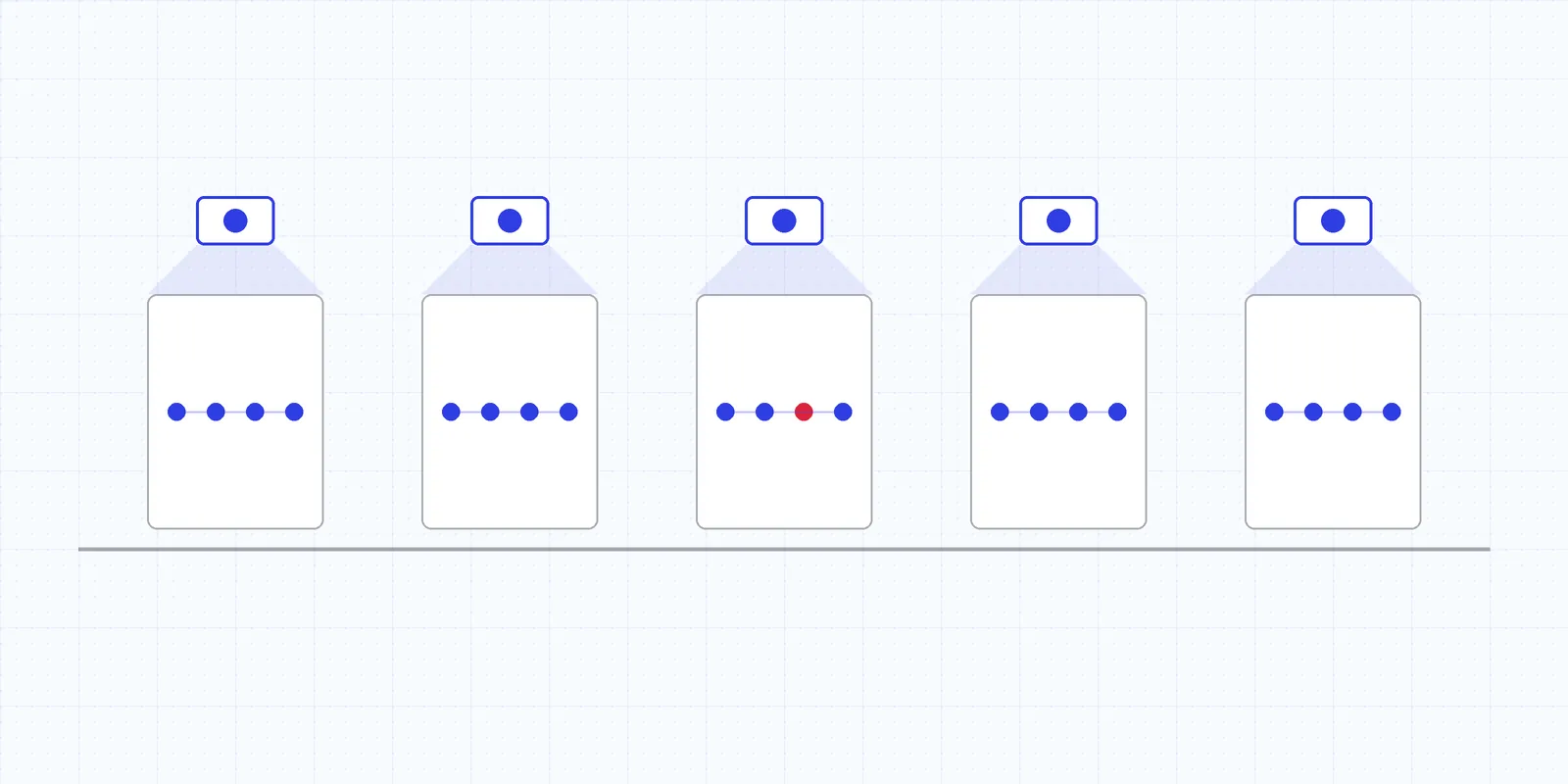
On most assembly lines the parts are fine. The build is what goes wrong. A clip gets left out, a bracket goes on backwards, a bolt is missing, the wrong variant comes out of a bin that looks like its neighbor, or the sealant bead gets skipped because the operator was pulled away for a second. None of that shows up in a material inspection, and all of it can reach the customer. Automated visual inspection on an assembly line is built to catch those errors while the unit is still at the station and the fix takes seconds.
Where fixtures stop
Classic poka-yoke is very good at the job it was designed for. A keyed fixture won’t take a part loaded backwards. A light curtain confirms a hand went into the right bin. A torque tool counts rundowns. Each device prevents one specific error, and someone has to design, build and maintain it for that error.
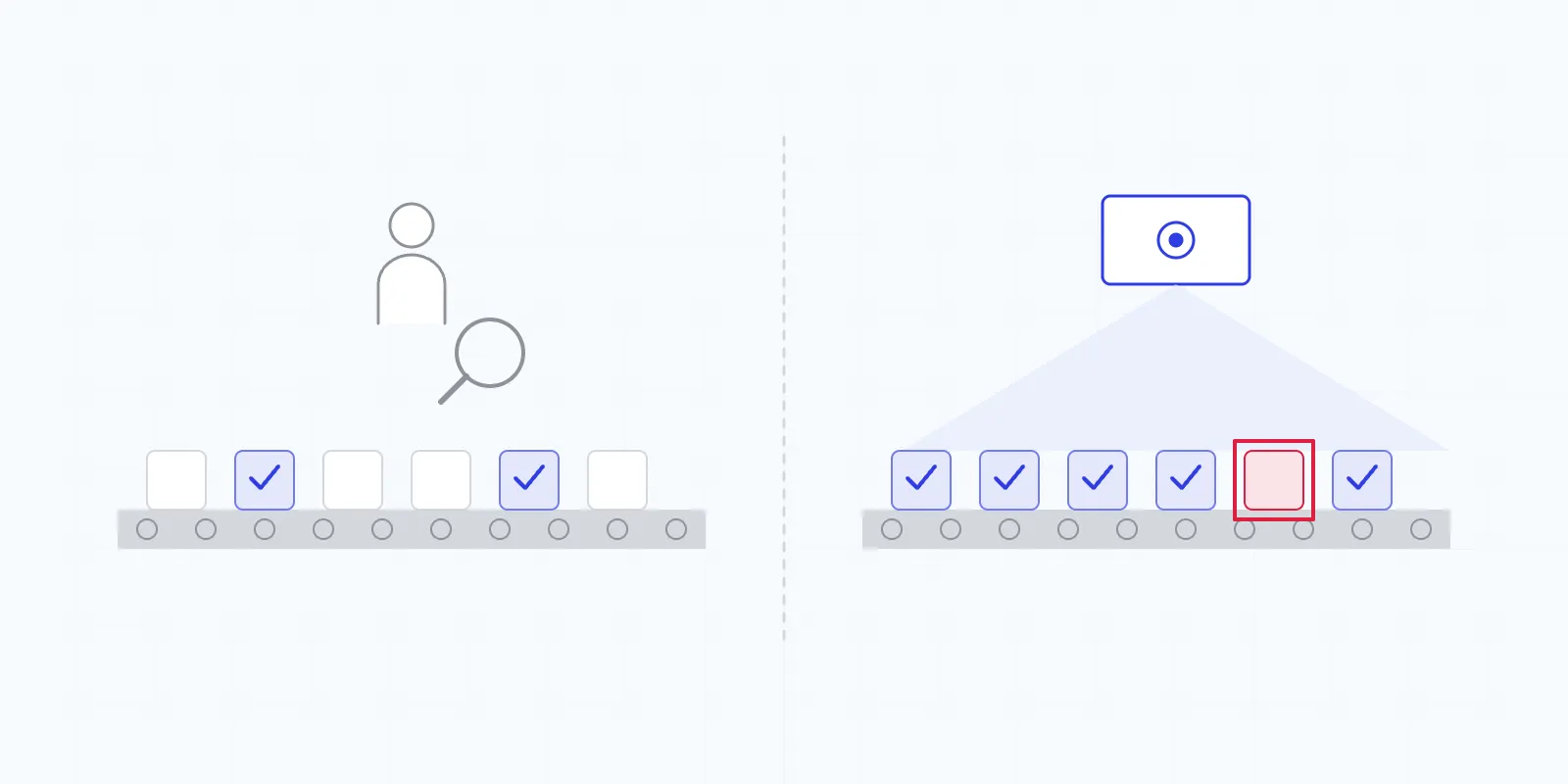
The gaps are predictable. High-mix lines run variants that look almost identical, and a fixture can’t tell them apart. Process actions like sealant, adhesive and lubricant leave little for a sensor to detect. And step sequence is invisible to most devices: every action happened, but in the wrong order, or the verification step never did. Manual final inspection is supposed to catch what’s left, from an inspector looking at a steady stream of nearly identical units until the end of the shift.
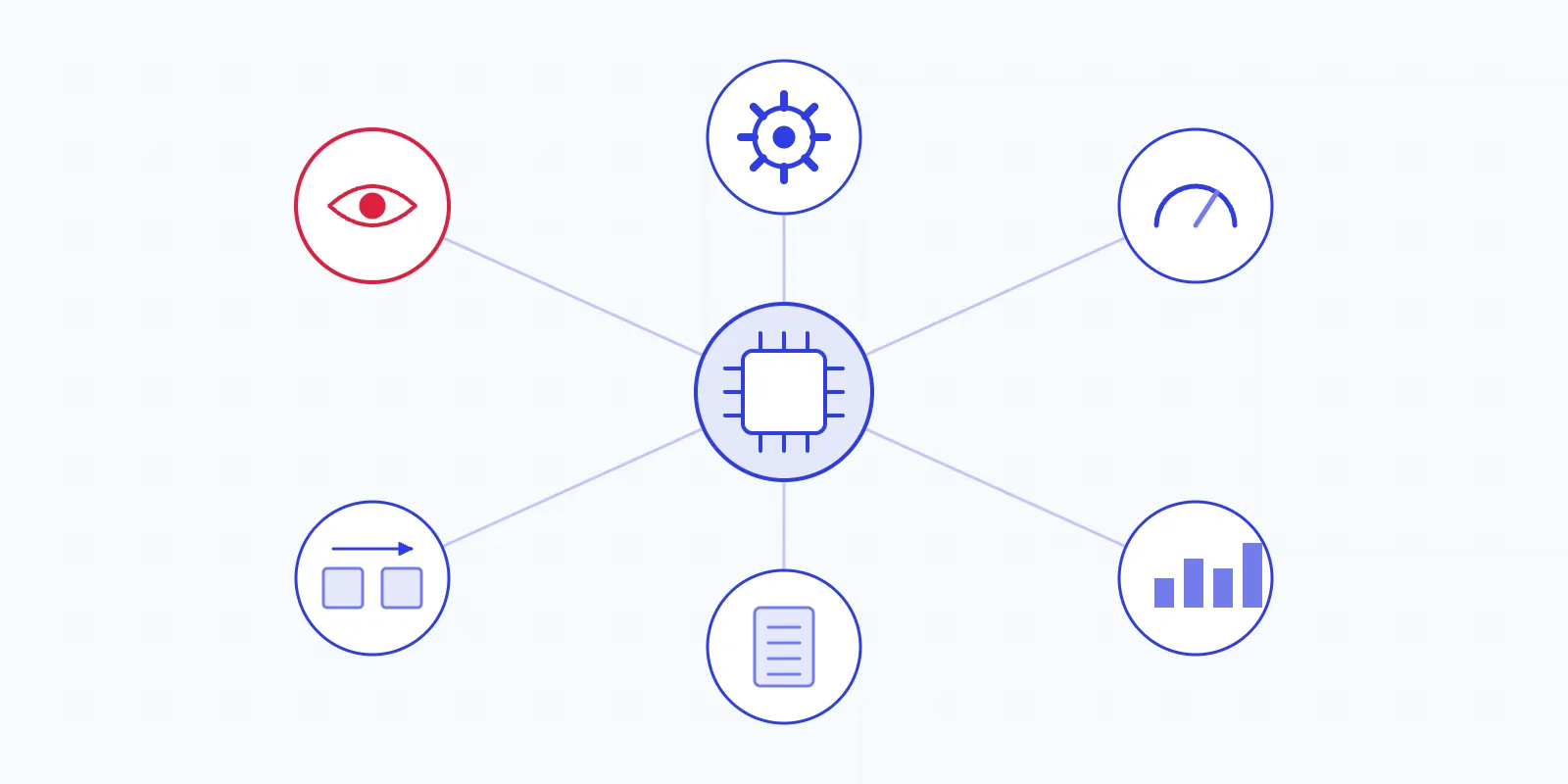
Cameras over the station and at final inspection cover most of that ground, with models trained on your product and process:
| Error | Example | What the camera checks | What usually covers it today |
|---|---|---|---|
| Skipped step | Retaining clip never installed | Operator actions at the station | Pick-to-light, if the step has its own bin |
| Step out of sequence | Cover fitted before the harness is routed | Action order against standard work | Usually nothing |
| Duplicated step | Same label applied twice | Repeated action | Usually nothing |
| Skipped verification | Visual check never performed | Missing check action | Operator sign-off |
| Missing component | Grommet or spacer absent | Finished unit against a complete assembly | A presence sensor per component |
| Wrong part or variant | Left-hand bracket on a right-hand build | Part classified against the build order | Keyed fixture, where geometry allows |
| Wrong fastener count | One bolt short | Fasteners counted in the image | Rundown count on the torque tool |
| Wrong orientation | Connector plugged in upside down | Orientation classified | Keyed fixture |
| Missing sealant or adhesive | Bead skipped or broken | Bead presence and continuity | Dispense flow sensor |
| Cycle-time anomaly | One step running far longer than normal | Step timing on every unit | Takt monitoring for the whole line |
The fixtures stay. The camera picks up the errors they can’t see, and it can be retrained when the product changes instead of being rebuilt.
Watching the hands
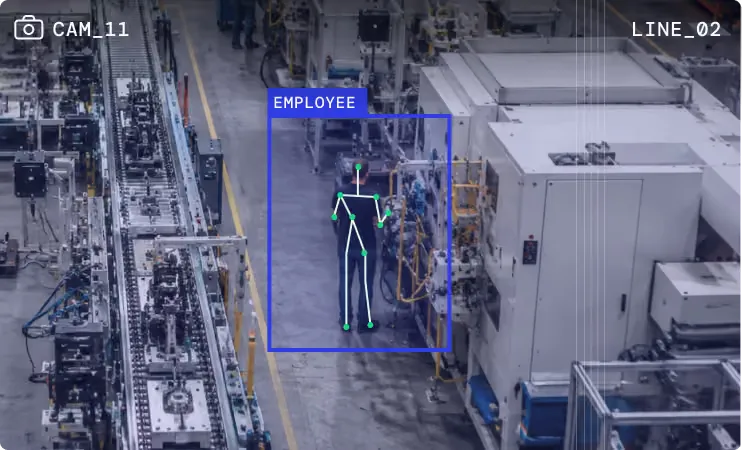
On manual and semi-automated stations, the most useful thing to watch is the operator’s hands. Human action recognition follows the standard work step by step: pick the bracket, seat it, pick the fasteners, drive them, run the bead, move on. A step that’s missing, doubled or out of order gets flagged as it happens.
For the operator, that means guidance at the station instead of a quality hold two days later. An on-screen and audible prompt says the clip didn’t go in, while the unit is still in front of them. Fixing it takes a moment. Once the unit ships, the same miss could be a warranty claim.
The data also shows cycle time by step. When one step keeps running long on one shift, the cause is usually the station, such as a bin that’s hard to reach or a fastener that cross-threads, and now it’s visible. Plants get the most from action tracking when it’s used to fix stations and support the people at them. As a Director of Engineering at a Tier-1 automotive OEM put it:
“Our operators can focus on solving problems instead of trying to find them.”
Checking the finished unit
Final inspection looks at the result: every component present, the right variant, correct orientation, the full fastener count, sealant where it belongs. Handling scratches show up in the same image.
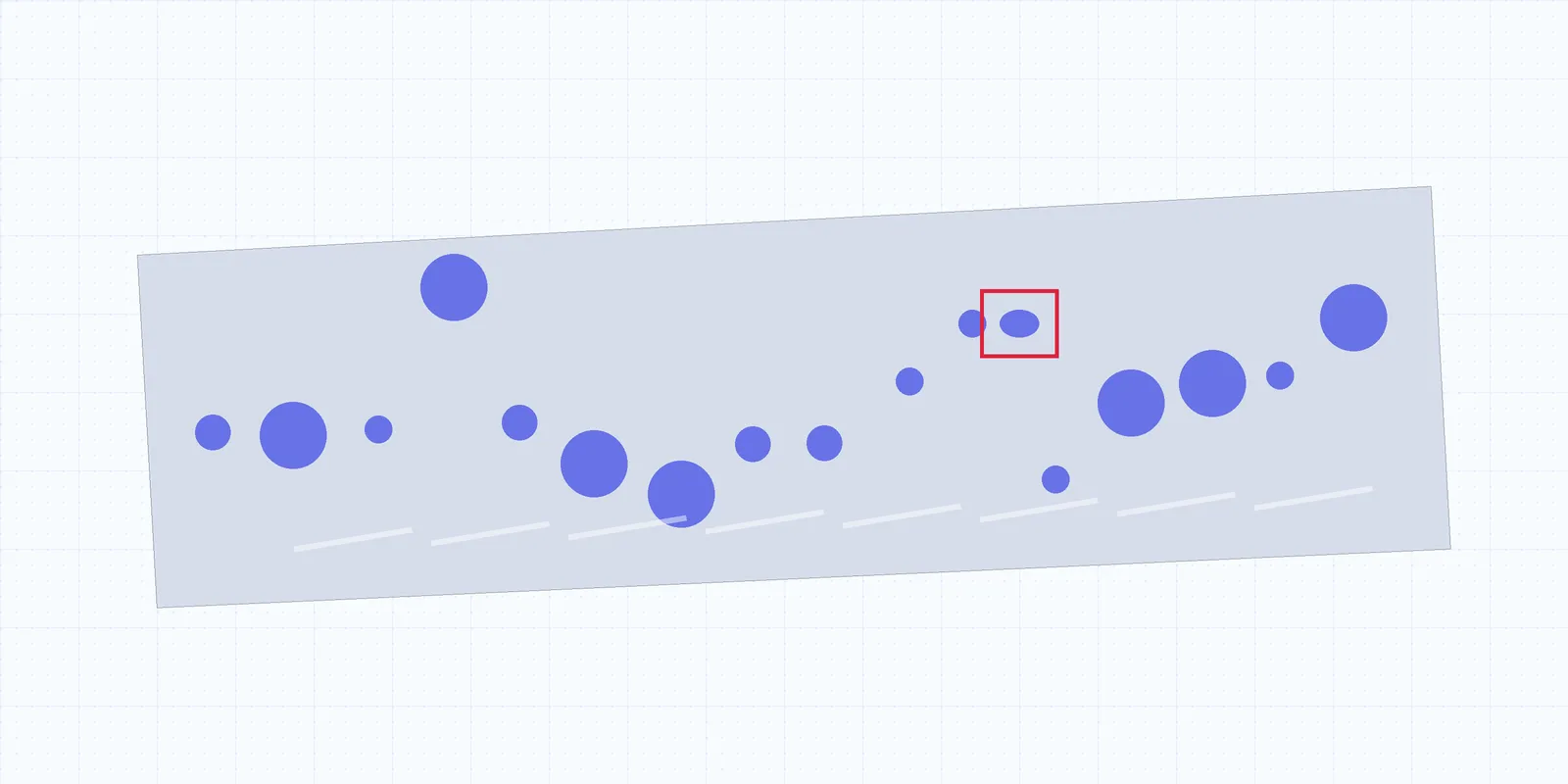
For stamped and machined components, feature checks turn “looks right” into measurements. On a ring part, for example, the model outlines every hole, checks the count against a range and checks each hole’s circularity against a minimum. If the count passes but one hole is out of round, which points to a partial pierce or a slug, the part fails. A count-only check would have passed it. Our article on metal surface defect detection covers these hole and surface checks on the stamping side.
Some errors are cheaper to stop before the station. Kitting verification photographs each kit tray and checks it against the bill of materials for that build: every component, the right quantity, the right variant. A kit with a look-alike part in it gets pulled at the kitting cell, before an operator is set up to fail.
Cameras are standard industrial units, processing runs on a server inside the plant (edge AI quality inspection has the architecture), and signals go to your PLC, MES and andon. Plant engineers can add new inspection points with a handful of images, so coverage grows station by station. What is AI visual inspection explains the underlying technology.
A record for every unit
Every unit that passes an inspected station leaves a record tied to its serial or lot number: which steps were done, in what order, how long each took, what the final image showed and which checks passed.
When a claim comes in, you pull that record instead of arguing from memory. When a problem is found in the field, the records show exactly which units were built the same way, so containment covers those units instead of a week of production. When an auditor asks how you know the verification step happened, you show them the unit, the timestamp and the image.
Frequently asked questions
How is AI error-proofing different from traditional poka-yoke?
Traditional poka-yoke uses fixtures, sensors and light curtains, each built for one specific error. AI error-proofing uses cameras to check many conditions at once, including operator actions and step sequence, and it can be retrained when the product or process changes.
Can AI tell whether an operator skipped or reordered a step?
Yes. Human action recognition follows the standard work at a station and flags steps that were skipped, duplicated or done out of sequence, including skipped verification steps.

Our engineers design and deploy AI inspection systems on plastic film, injection molding, metal stamping and automotive assembly lines across North America.