How to Evaluate an AI Visual Inspection System: A Buyer's Checklist
A buyer's checklist for AI visual inspection software in manufacturing: the samples test, optics, speed, validation, IT, cost, and a scorecard for vendors.
- Send every vendor the same good and bad samples from your own line, and score the results by defect type, counting both misses and false rejects.
- Check the optics and the time budget before the software: the camera has to resolve your smallest critical defect, and the decision has to reach the reject point in time.
- Ask how accuracy is proven after install, with a validation set and a calibration report, and start with the 5–10 part/defect combinations that cost you the most.
Every demo of AI visual inspection software looks good. Manufacturing buyers find that out a few vendor calls in: a clean image, a box around a defect, a confident number. None of it tells you whether the system will catch the defect that cost you a customer claim last quarter, on your part, at your line speed, without throwing good product in the scrap bin.
What follows is the checklist we’d use if we were on your side of the table. It’s for quality, operations, engineering and purchasing leads running a formal evaluation, and it runs roughly in the order a good evaluation unfolds. The scorecard at the end turns it into something you can put in front of a steering committee.
Start with your own parts
Before anyone talks architecture or price, find out whether the system works on what you make. Nothing else on this list matters much if it doesn’t.
Send good and bad samples from your own line, and send the same set to every vendor on the shortlist. That’s the only way the results are comparable.
- Include clear defects, clean good parts and the borderline parts your inspectors argue about.
- Cover the variation you actually run: color lots, surface finish, orientation, material suppliers.
- Ask for results by defect type: what was caught, what was missed and which good parts were flagged.
- Ask who labeled the images and who validated the edge cases.
With Tristar, about 100 samples are enough to start. Tristar does the labeling and training, and your team validates the edge cases. Be wary of a vendor that needs an enormous labeled library before it can show you anything, and just as wary of one that won’t break results down by defect type.
Score what comes back the way your quality engineer would. For each defect type, count the misses and the false rejects separately, since a system that catches everything by flagging a pile of good parts hasn’t solved anything. Look hard at the borderline parts. If the vendor’s call on those matches what your best inspector would say, that’s a good sign; if it doesn’t, ask why, and whether a tolerance change fixes it or the model genuinely can’t tell.
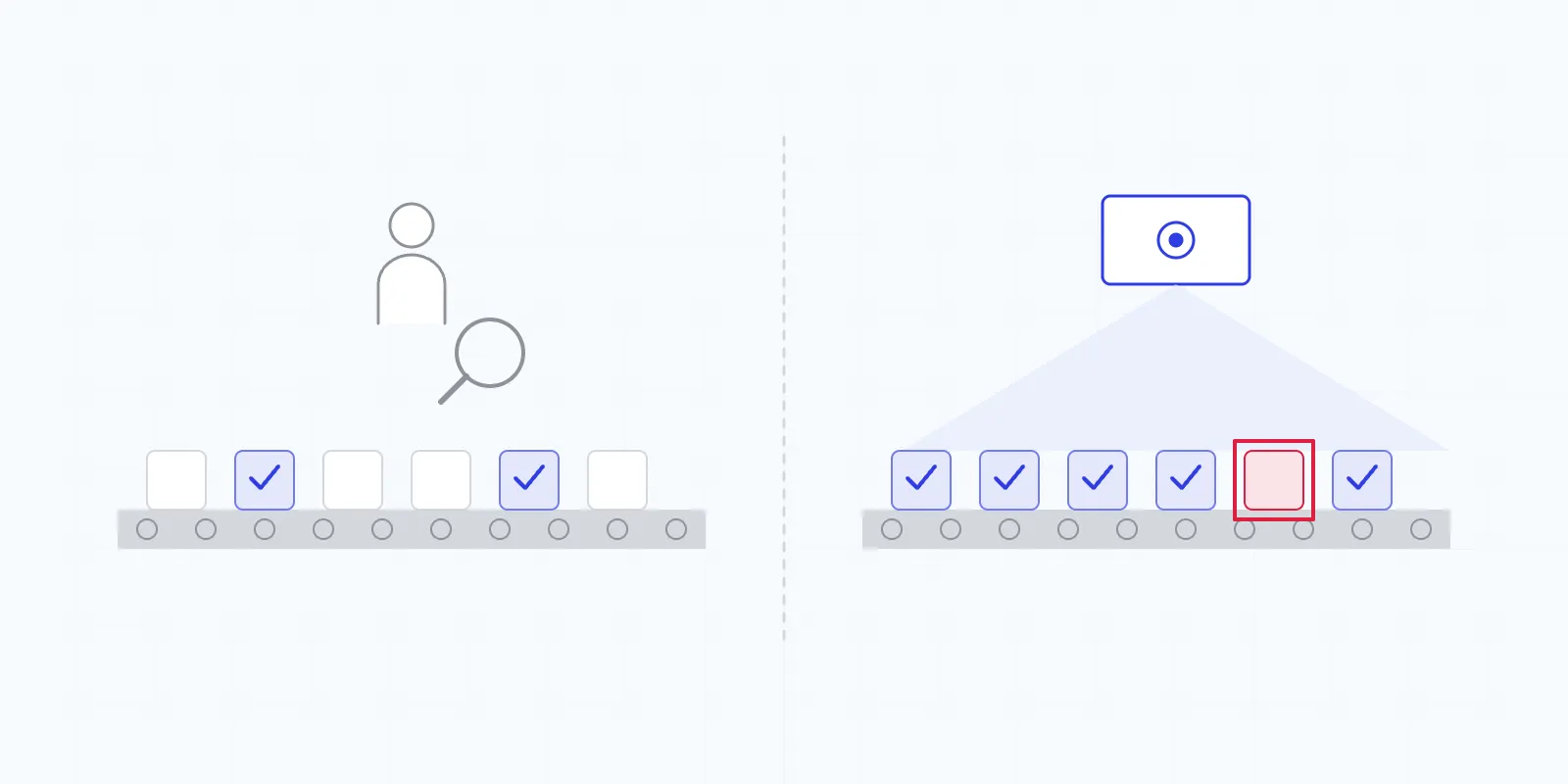
If a vendor clears this stage, consider a parallel run before anything else is signed. Put the system on the line in shadow mode, let it see the same parts your current inspection sees, and compare decisions for a while before its result is allowed to drive a reject.
Physics before software
Optics limit detection before the model ever gets a say. Check the hardware side before comparing software features.
Resolution against your smallest defect
Write down the smallest defect that must be caught, by defect type, and the field of view each station has to cover. Then ask the vendor to show the camera and lens calculation that links the two.
Resolution comes from the camera, chosen for the smallest defect and the field of view. Tristar typically detects defects of about 1 mm and larger in real time, and smaller defects are possible depending on the camera. A vendor who quotes a detection size without asking about your field of view is guessing.
Speed at your real line rate
State your peak line speed or parts per second, not the average. Measure the distance from the camera to the reject point, since that sets the time budget for the whole decision. Then ask for reference deployments running at a comparable rate, and be skeptical of anything benchmarked only offline.
Presentation and lighting
- How many cameras per station, from which angles? Two to three 2D cameras is common.
- How are round parts rotated, and how are both faces of flat parts seen?
- What lighting handles the gloss on your material?
- Which parts of the station are standard hardware, and which are proprietary?
Proof that lasts past install day
A system that looks great at acceptance and then drifts for a year is a liability, so push as hard on the day-two process as on the day-one result.
Ask whether there’s a validation set with detections, misses and false rejects tracked by defect type, how often it’s reviewed and with whom. Ask for a calibration report at install, and whether it’s ever held up in an audit. Check that tolerances are explicit and that your quality team can edit them without calling the vendor.
Tristar keeps a validation set that’s reviewed weekly with the customer, and provides a calibration report at install that has been used in a third-party audit.
Then ask about learning after go-live:
- What happens when a defect type appears that the model has never seen?
- Who reviews flagged anomalies, and how much of your team’s time does that take?
- Is a new SKU built from scratch, or on what the model already knows?
- Can plant engineers add an inspection point themselves?
IT, controls and the operator
On IT, the first questions are whether inference runs on-premises and whether anything has to go to the cloud. With Tristar, processing runs on an edge GPU server inside the plant and nothing needs to leave. The rest, from network segments to remote support and patching, is covered in our brief on edge AI for quality inspection. Hand it to your IT lead early.
For controls, confirm the system can talk to what you already run:
- PLC signaling to your controllers, for example Allen-Bradley
- reject and kick-off systems, robots, flaggers or edge markers
- MES/ERP records, with defects traceable to lot
Operator experience is easy to skip in an evaluation and it decides whether alerts get acted on. Ask what the operator sees and hears when a defect occurs, whether there’s mass alerting when a defect rate spikes, and what the leadership dashboards, roll reports and roll maps actually show. A perfect detection that lands in a log file nobody opens is worth very little.
Cost and the rollout plan
Ask whether the system is sold as an annual subscription, as CapEx with an owned license, or both. Tristar offers both. Then pin down what the price includes: hardware, installation, integration, support, model updates and new SKUs. Ask what a second line or a second plant costs. Compare vendors on total cost over the same period, and tie it to the value you expect: scrap, labor hours and customer claims. Our piece on scrap reduction in manufacturing shows how to build the scrap side of that case.
The rollout plan tells you a lot about a vendor. In a high-mix plant, trying to cover every SKU up front is the most common way to stall a project. A good proposal starts with the 5–10 part/defect combinations with the highest scrap, claims or inspection labor, defines what success looks like for those first stations, and explains how the design gets copied to other lines and plants once it’s proven.
If you need background before you start scoring, what AI visual inspection is covers the basics. Tristar is happy to be scored the same way as everyone else, so put our results in the same column when you send your parts.
The scorecard
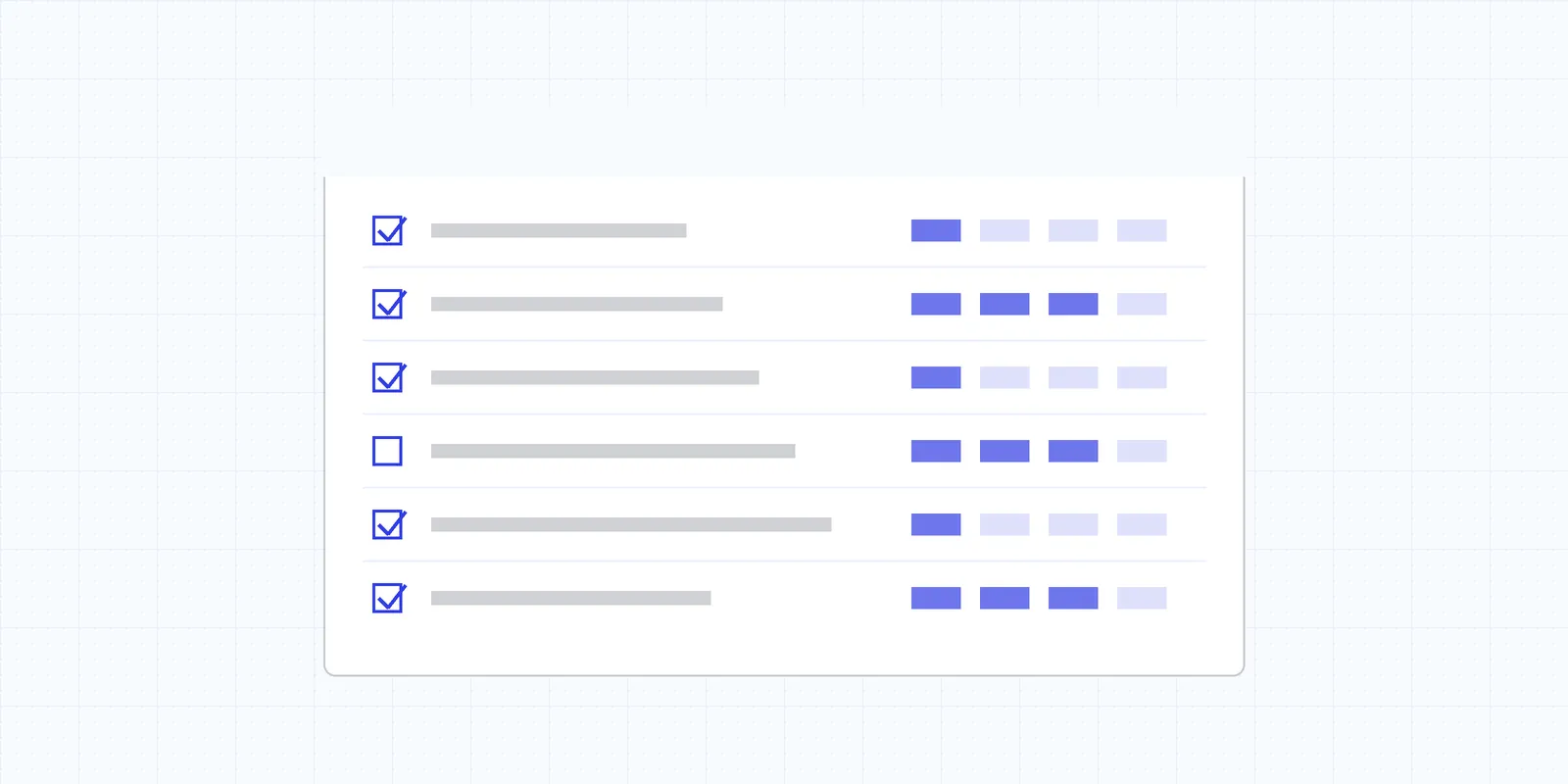
Rate each vendor on a simple scale from weak to strong on every row, and let the weight column decide which rows break a tie. Adjust the weights to your plant; a site with a strict IT policy might move IT and security up to high.
| Criterion | Weight | Strong looks like | Weak looks like |
|---|---|---|---|
| Results on your samples | Highest | Results by defect type, few false rejects, edge cases validated by your team | Demo on vendor parts only |
| Resolution vs. requirement | High | Camera calculation from your smallest defect and field of view | Generic detection size claim |
| Speed at line rate | High | Reference deployments at your speed, time budget checked | Benchmarked offline only |
| Validation and audit | High | Validation set by defect type, calibration report, audit history | Accuracy claimed, not tracked |
| Learning after go-live | High | Regular review of flagged anomalies, SKU knowledge transfer | Every change is a vendor project |
| IT and security | High | Fully on-premises, clear boundary design | Needs a cloud connection to run |
| Integration | High | PLC, rejects, MES/ERP, lot traceability | Pass/fail light only |
| Presentation and lighting | Medium | Station designed for your part, gloss and orientation | “Our camera handles it” |
| Operator experience | Medium | Real-time, sound and mass alerts, useful dashboards | A log file |
| Commercial model and cost | Medium | Clear options, full-scope pricing, a costed rollout plan | Hidden per-SKU or per-change fees |

Our engineers design and deploy AI inspection systems on plastic film, injection molding, metal stamping and automotive assembly lines across North America.