Injection Molding Defects: How AI Catches Flow Lines, Gas Burns and Short Shots
A defect-by-defect reference for injection molding defect detection AI: flow lines, gas burns, short shots, flash and discoloration, with causes and fixes.

A short shot means the cavity didn’t fill. A gas burn means trapped air got hot enough to scorch the resin. Molders know what causes their defects. The hard part is seeing them on every part, at cycle speed, before a gaylord of bad tubs is sealed and on a truck. That’s the job of injection molding defect detection AI, and it helps to know how each defect looks to the camera as well as to a process engineer.
What follows covers the five defects we see most at the press: what each one looks like, what usually causes it and how the model picks it up.
Why cosmetic defects beat manual checks and fixed rules
Parts come off the press fast, often several per cycle from a multi-cavity tool. The press operator is also loading inserts, clearing sprues and watching the machine. Nobody can look at every rim of every tub for a small scorch mark across a full shift.
Classic machine vision struggles for a different reason. Colored and translucent resin, curved walls and glossy surfaces make brightness and edge thresholds unreliable. A flow line on a translucent part is a slight change in shading, with no clean edge to find. Tighten the thresholds and good parts land in the reject bin. Loosen them and the defects pass. Plenty of molders gave up on vision for cosmetic defects because of that tradeoff, which AI vs rule-based machine vision covers in more depth.
Flow lines
You’ll see wavy lines, streaks or bands on the surface, usually near the gate or where wall thickness changes. They’re most obvious on light, translucent or heavily pigmented parts.
The melt front cools at uneven rates as it fills. Low injection speed, low melt or mold temperature and sudden changes in wall section all contribute, and poor colorant dispersion makes the bands stand out more.
The model learns what a normal surface on your part looks like, natural shading included, and flags banding that doesn’t belong. Because it judges the material instead of a brightness cutoff, soft, low-contrast streaks still show up.
Gas burns
Look for small black or brown scorch marks at the end of fill: rims, corners and ribs furthest from the gate.
Air trapped in the cavity gets compressed ahead of the melt and heats up until it burns the resin. Blocked or undersized vents are the usual reason. Injection speed that’s too high, or clamp force high enough to seal the vents, will do it too.
Gas burns are small, but they appear in predictable places. The camera layout covers those end-of-fill zones at enough resolution to see them, and the model separates a scorch from a shadow at the rim. A typical one sits at the rim of a tub that otherwise looks perfect.
Short shots
A short shot is an incomplete part: a missing corner, a thin rim or an unfilled rib.
The shot size is too small, injection pressure too low, the resin too cold, or a gate or vent is restricted. When short shots appear suddenly after a stable run, check the hopper feed and the check ring before touching the process settings.
The model compares the part’s shape and edges with a complete part. Missing geometry gets flagged even under uneven light and when the part color blends into the conveyor belt.
Flash
Flash is a thin fin of extra plastic along the parting line, around ejector pins or at shut-offs.
Clamp force is too low for the injection pressure, parting surfaces are worn or damaged, packing pressure is too high, or the melt is running too hot and thin.
Flash changes the part outline, so the model flags material outside the expected edge. It also tracks whether flash keeps appearing at the same spot on the same cavity. A repeat location usually means the tool needs attention, while flash that wanders tends to be process drift.
Discoloration
This covers color shifts between shots, streaks of off-shade color and black specks in the part.
Colorant dosing drifts, mixing is poor, resin degrades from long residence time in the barrel, or the previous color hasn’t fully purged.
The model compares each part’s shade with the known good color for that part number. It picks up gradual drift over a shift, which no operator would notice looking at one part at a time.
The same defects in one table
| Defect | Where it shows up | Common process cause | What the model looks for | Typical action |
|---|---|---|---|---|
| Flow lines | Near the gate, wall changes | Low speed or temperature, colorant dispersion | Banding against the normal surface | Reject; review injection speed profile, melt and mold temperature |
| Gas burns | End of fill: rims, corners, ribs | Blocked vents, fast injection | Dark scorch in known zones | Reject; schedule vent cleaning |
| Short shots | Corners, thin rims, ribs | Shot size, pressure, feed | Missing geometry | Reject; check feed and check ring |
| Flash | Parting line, pins, shut-offs | Clamp force, tool wear | Material outside the expected edge | Reject; inspect the tool if it repeats |
| Discoloration | Whole part or streaks | Colorant dosing, degradation | Shade drift from the known good color | Reject; check and correct colorant dosing |
The cameras, lighting and edge server behind this are standard parts. Lighting is angled to control glare, translucent parts often get backlighting, and conveyor design can flip parts so both faces are seen. Processing runs on a GPU server at the line, and edge AI quality inspection covers that architecture.
Closing the loop at the press
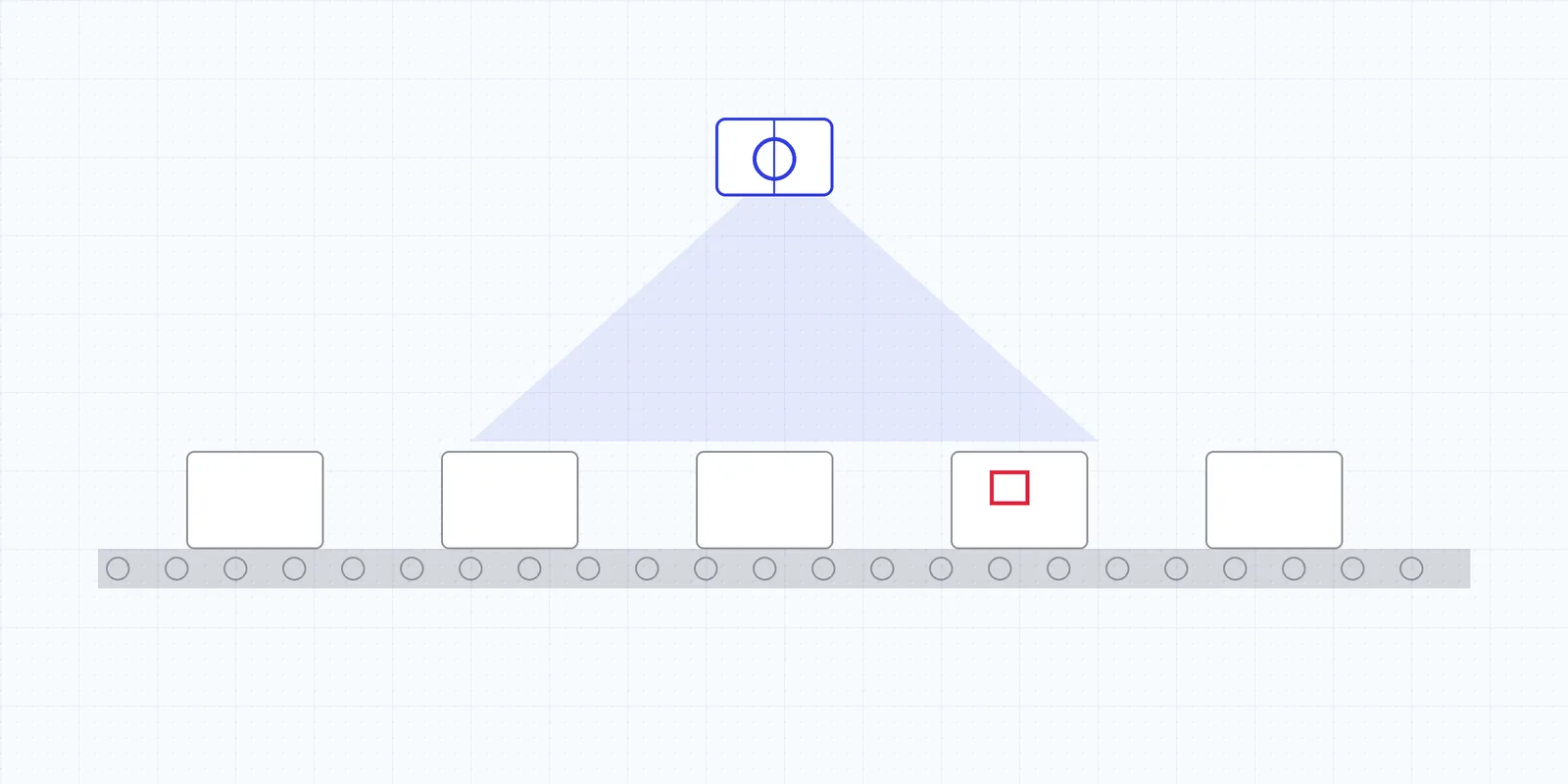
A red box on a screen doesn’t reduce scrap by itself. What matters is where the detection goes next.
The first stop is the reject gate. When a part fails, the system sends a PLC signal, for example to an Allen-Bradley controller, and a kick-off, diverter or robot pulls the part before it reaches the box. Nobody has to catch it by hand, and the tag for that reject goes into the log with its defect type.
Discoloration and color streaks are different, because their cause is usually colorant dosing or mixing. Rejecting those parts all shift only contains the problem. When shade drift starts to trend up, the system can prompt a correction to the color pump, so the dosing gets corrected and the next shots come out right. That’s the step that turns inspection into process control.
A sudden run of short shots or burns means something changed: a feed problem, a clogged vent, a heater band. On-screen and audible alerts get someone to the press while the count is still small. The stamping plant in our metal surface defect detection article shows how much a fast alert on a night shift can save.
Last, every defect is logged by type, cavity, mold and shift. That tells the process engineer which tool is due for vent maintenance, which cavity keeps flashing and which setting has been drifting since the last mold change. Those trends feed the broader work in scrap reduction in manufacturing, and they’re how the savings from inspection keep growing long after the cameras go in.
Frequently asked questions
What causes flow lines in injection molding?
Flow lines form when the melt front cools unevenly as it fills the cavity. Low injection speed, low melt or mold temperature and abrupt changes in wall thickness are the usual causes. Poor colorant dispersion makes them more visible, especially on light or translucent parts.
What causes gas burns on molded parts?
Air trapped in the cavity is compressed ahead of the melt and heats up enough to scorch the resin. Blocked or undersized vents are the most common reason, followed by injection speed that's too high or clamp force that closes off the vents.
Can AI inspection reject bad parts automatically?
Yes. When a part fails, the system sends a PLC signal, for example to an Allen-Bradley controller, that fires a reject gate, diverter or robot so the part is removed before it's packed.

Our engineers design and deploy AI inspection systems on plastic film, injection molding, metal stamping and automotive assembly lines across North America.